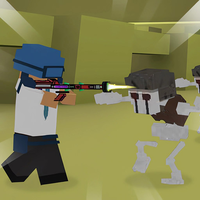

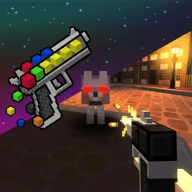
Shot a Brainrot! is a 3D first-person shooter where you defeat meme-themed enemies, switch weapons, aim, reload, run, jump, and interact.
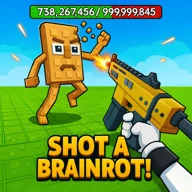
Here's a quick look at the game:
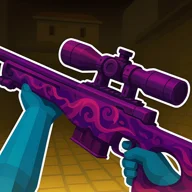
Shot a Brainrot! is a 3D first-person shooter by Lory Games built around fighting enemies in meme-themed battle scenes. You move through the area, aim with the mouse, attack with your equipped weapon, and switch between several weapons as encounters develop.
Fighting Through Each Battle
Your main objective in Shot a Brainrot! is to defeat the enemies you encounter. Movement and shooting work together: use W, A, S, and D to reposition while controlling the camera with the mouse, then use the left mouse button to attack.
The game also gives you separate controls for aiming and mobility. Hold the right mouse button to aim, press Shift to run, and use Space Bar to jump. These options let you adjust your position before attacking instead of relying only on standing in one place and firing.
Controls and Weapon Management
Use R to reload your current weapon and scroll the mouse wheel to change weapons. Since weapon switching and reloading are separate actions, keep track of which input you need during a fight rather than repeatedly attacking without managing your equipment.
Press E to interact with objects when the game presents something usable in the environment. The complete desktop control setup is:
- W, A, S, D: Move
- Shift: Run
- Space Bar: Jump
- Mouse: Rotate the camera
- Left mouse button: Attack
- Right mouse button: Aim
- R: Reload
- E: Interact with objects
- Mouse wheel: Change weapons
Staying in Control
Running and jumping provide additional ways to reposition while enemies are active, while aiming gives you more deliberate control over your shots. When you need another weapon, use the mouse wheel rather than interrupting movement to search for a separate weapon key.